Install Bergbot
One command per surface. Every guide has one screenshot per step; commands have a copy button on the website.
Claude Code
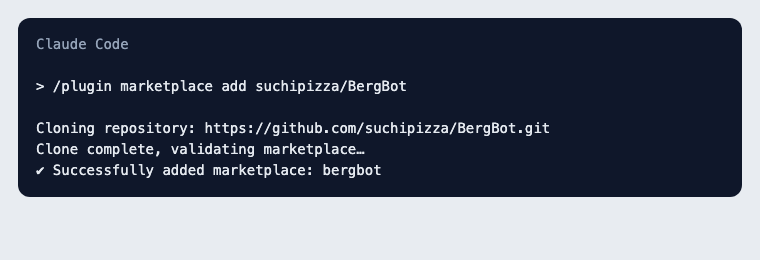
Step 1 — Add the marketplace
/plugin marketplace add suchipizza/BergBot
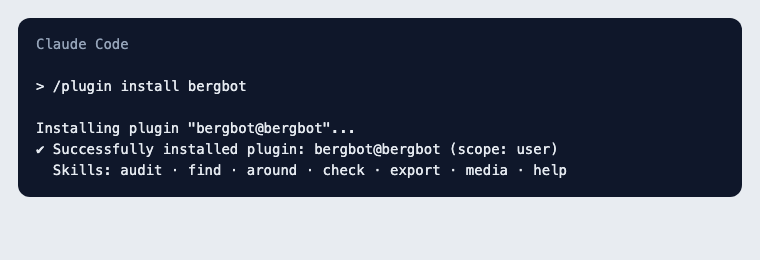
Step 2 — Install the plugin
/plugin install bergbot
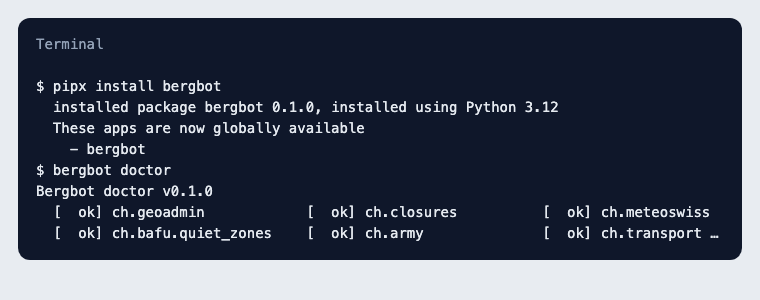
Step 3 — Install the CLI the plugin calls, then type a sentence or /find …
pipx install bergbot
Claude.ai
Installs from Customize → Plugins → Add marketplace → `https://github.com/suchipizza/BergBot`. Verified 2026-09-09: the install works, but claude.ai runs plugin skills in a sandbox that blocks the Swiss data sources (GeoAdmin, SwitzerlandMobility, MeteoSwiss, transport). Bergbot cannot check anything there and will say so ("could not verify"). Use Claude Code, Telegram or the CLI for real audits; claude.ai can render an `audit.json` you made locally.
CLI
Step 1 — Install
pipx install "bergbot[all]"
bergbot doctor
Step 2 — Optional: your Anthropic key enables web verification and free chat
export ANTHROPIC_API_KEY=sk-ant-…
Step 3 — Chat, or run one check
bergbot chat
bergbot audit route.gpx --date 2026-09-12 --lang en --out audit.json && bergbot render audit.json
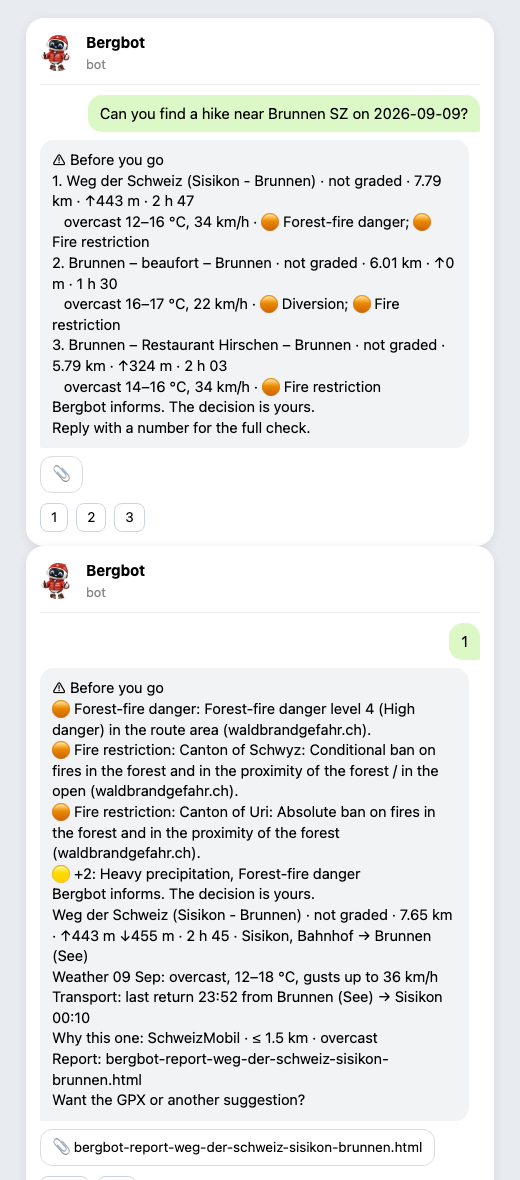
Bring your own channel (WhatsApp, Signal, iMessage…)
If your agent is already connected to a messaging app through an MCP server or bridge, install the Claude Code plugin and message your agent from that app. Bergbot ships no bridge and does not recommend unofficial WhatsApp bridges (they breach WhatsApp's terms).